
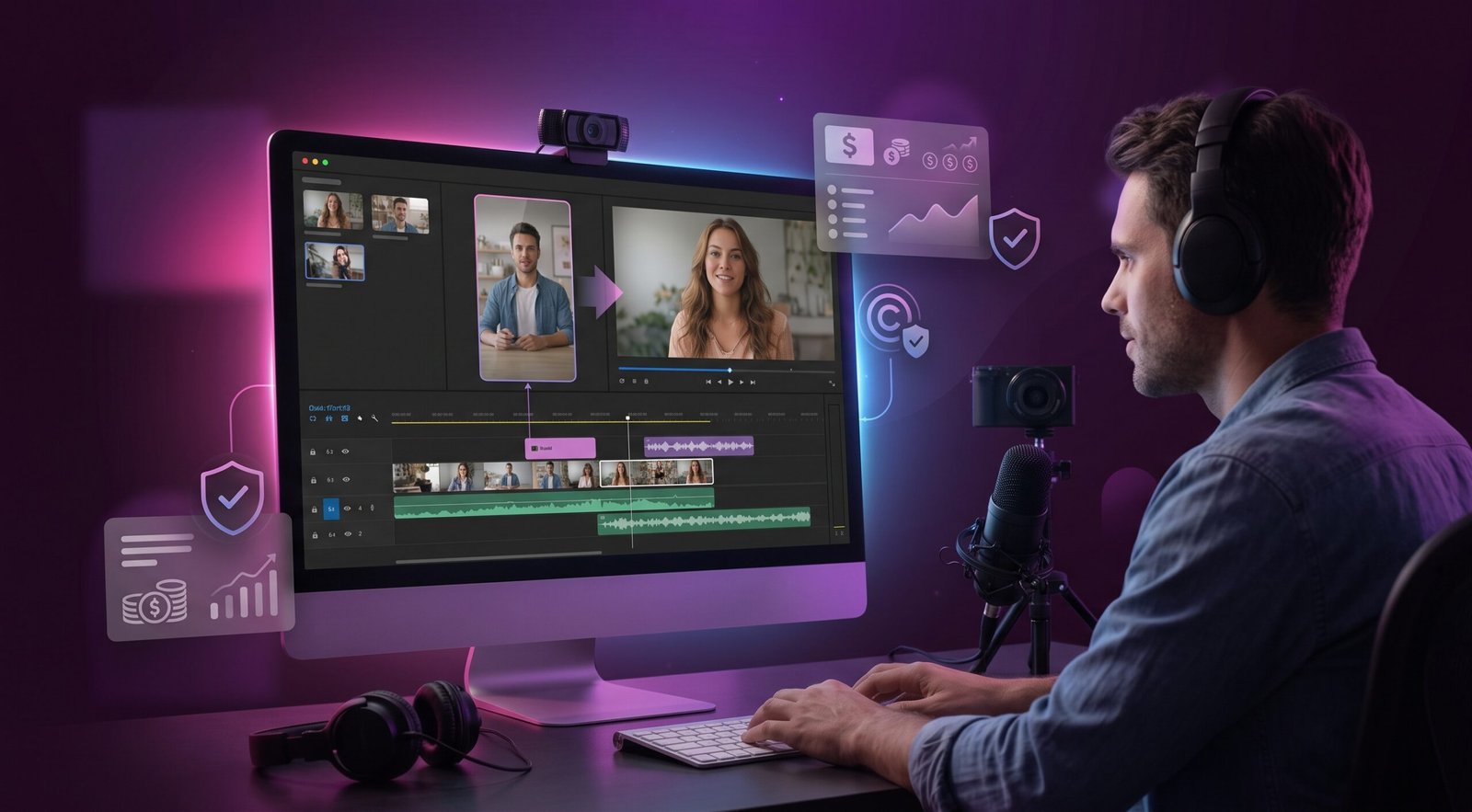
You found a TikTok clip that would make your YouTube video better — a reaction, a news moment, a meme that perfectly illustrates your point. Before you drop it into your timeline, you need to know the rules. Using TikTok videos in a YouTube video is legally complicated, and the financial stakes are real: YouTube can strip monetization on a single video or your entire channel if a copyright claim escalates the wrong way.
This guide covers what copyright law says, how YouTube’s Content ID system works, what “fair use” means in practice, and the safest ways to include TikTok clips without losing your ad revenue.
Who Owns a TikTok Video?
Under the US Copyright Act, copyright belongs to the creator the moment an original work is recorded. When someone posts a TikTok video, they own the audiovisual recording — the footage, their voiceover, any original music they created. TikTok’s Terms of Service grant TikTok a broad license to use and distribute that content, but they do not transfer ownership away from the creator.
This means:
- The TikTok creator owns their video.
- TikTok has a platform license, not copyright ownership.
- You — a third party — need permission from the creator to reproduce or distribute their video on YouTube, unless a legal exception like fair use applies.
Background music in TikTok videos adds another layer. If a clip uses a licensed song from TikTok’s music library, the record label owns that song separately. Even if the TikTok creator gave you permission to use their video, the label almost certainly did not — and Content ID will find it.
How YouTube’s Content ID System Works
YouTube’s Content ID is an automated rights management system. Rights holders — major labels, studios, and large creators — upload reference files. When you publish a video, YouTube scans it against that database. If it finds a match, the rights holder can:
- Monetize your video — ads run, but the revenue goes to the rights holder instead of you.
- Block your video — the video is hidden in specific countries or globally.
- Track your video — they collect viewership data without taking action yet.
A Content ID claim is not a copyright strike. Your channel standing is unaffected. But your monetization on that video is gone until you successfully dispute the claim — and disputing without a valid fair use argument can escalate to a formal DMCA takedown, which does count as a strike.
Content ID catches most major-label music instantly. It also catches original TikTok creator content if that creator has registered their material. Many large TikTok creators now do exactly that.
Does Fair Use Apply?
Fair use is a US legal doctrine that allows limited use of copyrighted material without permission in certain contexts. Courts weigh four factors:
- Purpose and character of use — Commentary, criticism, news reporting, education, and parody lean toward fair use. Commercial entertainment use leans against it.
- Nature of the original work — Factual works get less protection than creative works.
- Amount used — Using a small portion of a longer work is more defensible than using the whole thing.
- Market effect — If your use substitutes for the original (viewers watch your clip instead of the original), that harms the market and weighs against fair use.
Fair use is a defense, not a pre-approval — a court or YouTube’s dispute process decides whether it applies case by case.
For TikTok clips on YouTube, fair use is most defensible when:
- You are commenting on or critiquing the specific clip.
- You use only the portion necessary to make your point.
- You add substantial original analysis or creative transformation.
- Your video does not replace the original or its market.
Fair use is very hard to claim successfully if you are using TikTok clips as entertainment filler or to make your video more engaging without commentary. Reaction videos that show a full clip with minimal added value are routinely contested.
For a deeper breakdown, see our guide on TikTok fair use and copyright.
What About “Free to Use” Claims?
TikTok does not use Creative Commons licensing. “Viral” does not mean “free to use” — popularity and copyright are unrelated. Some creators explicitly grant permission in bios or captions, which works as informal permission but still does not solve the background music problem.
The Background Music Problem
This is where most creators get caught. You get written permission from a TikTok creator, upload to YouTube, and Content ID flags it within hours — not for the video, but for the song in the background. The label monetizes your video or blocks it entirely. Muting or replacing the audio before uploading is the safest fix; spoken-word clips without background music are lower risk.
Monetization Impact: What Actually Happens
Here is the practical breakdown of outcomes when you use TikTok clips on a monetized YouTube channel:
| Scenario | Likely outcome |
|---|---|
| Full clip, no commentary, copyrighted music | Content ID claim — monetization redirected or video blocked |
| Short clip with commentary, copyrighted music | Content ID claim on music — revenue split or lost |
| Short clip, audio muted, strong commentary | Usually clear — lowest risk path |
| Creator’s written permission, no copyrighted music | Likely clear, but still check the audio |
| DMCA takedown (no prior Content ID claim) | Strike on your channel — three strikes = termination |
Canadian Copyright Note
Canada’s Copyright Act uses “fair dealing” rather than fair use — narrower, with specific listed purposes: research, education, parody, satire, criticism, review, and news reporting. Commentary qualifies; entertainment re-uploads generally do not. YouTube applies US rights-holder Content ID claims globally, so a US label claim affects Canadian creators equally.
The Safest Approaches
If you need TikTok content for your YouTube channel, here is a risk-ranked approach:
- Get explicit written permission from the creator and confirm they own all audio in the clip. Permission does not override a label’s music rights, but it protects you against a creator-initiated takedown.
- Mute or replace the audio before uploading. Use YouTube’s built-in audio swap tool or mute the segment in post.
- Use the clip for genuine commentary — show only what is necessary, add your analysis, do not reproduce the entire video.
- Screen record only the portion you need and cut the moment your point is made. Shorter clips make a stronger fair use argument and minimize Content ID surface area.
- Download the clip first so you can edit it cleanly before importing into your editing software.
If you need a TikTok video for editing — no watermark, full quality — ClipSaver.pro downloads it free. Trim, mute, or cut exactly the portion you need in your editor. For more on repurposing TikTok content, see our guide on repurposing TikTok for Reels and Shorts.
Frequently Asked Questions
Is it legal to use TikTok videos in YouTube videos?
It depends on copyright ownership, any permissions you have, and whether fair use applies. There is no blanket permission to use TikTok content on YouTube. You need authorization from the rights holders — both the video creator and any music rights holders — or a valid fair use defense.
Can I use a TikTok clip if I give credit to the creator?
No. Credit is not a license. Crediting the creator does not give you copyright permission and does not stop Content ID from flagging the video.
Will YouTube automatically remove my video for using a TikTok clip?
Automatic removal is rare via Content ID alone. More commonly, the rights holder monetizes the video (taking your revenue) or blocks it in certain regions. Manual DMCA takedowns can result in removal and a strike.
What if the TikTok video went viral — is that fair use?
No. A video being viral or widely shared does not affect copyright status. The creator still owns it.
Can I use a TikTok clip in a YouTube Short?
The same copyright rules apply. YouTube Shorts are subject to Content ID. Shorts monetization is also affected by claims.
How do I dispute a Content ID claim?
In YouTube Studio, go to the “Content” tab, find the video with a claim, and select “See details.” You can dispute the claim by stating your fair use basis. Be specific — explain which fair use factors apply to your video. If the rights holder rejects your dispute, you can escalate to a counter-notification, which carries legal weight under the DMCA.