
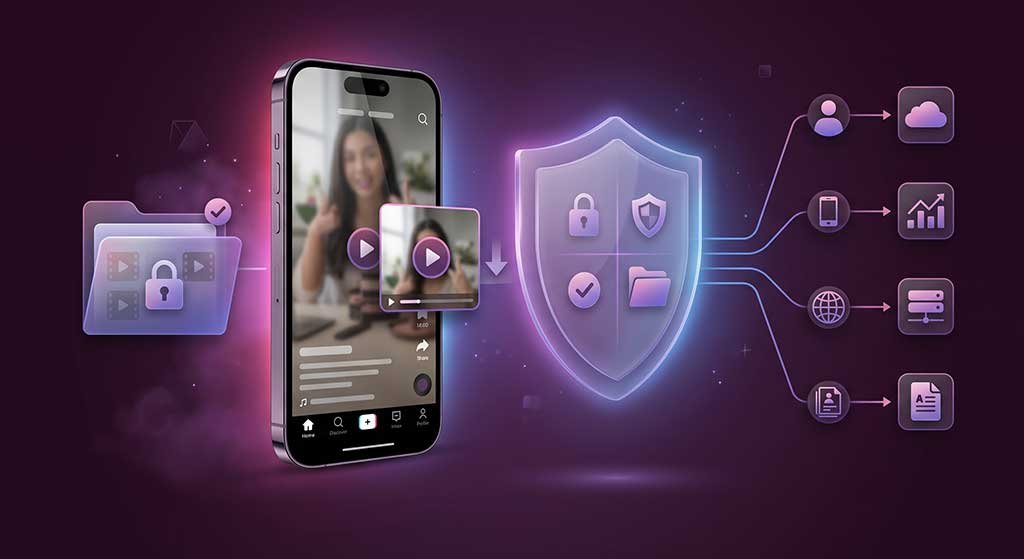
Using any web tool involves a data exchange, and TikTok downloaders are no exception. Understanding exactly what information moves — and what does not — lets you make an informed decision before you paste a URL anywhere. This post covers what happens at the data level when you use a browser-based TikTok downloader, what ClipSaver’s own Privacy Policy states, and how to apply the same vetting process to any tool you consider.
How a Browser-Based Downloader Works, Data-Wise
When you use a browser-based downloader, the flow is simple: you copy a public TikTok video URL, paste it into the tool’s input field, and the tool fetches the video from TikTok’s servers. That fetch request goes from the tool’s server to TikTok — not directly from your browser to TikTok.
What this means for your data:
- The URL you paste travels from your browser to the downloader’s server. That is the fundamental data exchange that makes the tool work.
- Your TikTok account is not involved. A browser-based tool works on public TikTok URLs only — no login, no session cookie from your account, no credential exchange.
- The downloaded video file goes from the tool’s server to your browser’s Downloads folder. No third party receives it.
- Your IP address is visible to the tool’s server, as it is to any website you visit.
None of this is unique to TikTok downloaders — it describes how any web service that fetches content on your behalf works. The relevant question is what the tool does with each piece of data it receives.
What ClipSaver’s Privacy Policy States
The following is based on ClipSaver’s published Privacy Policy (last updated January 14, 2026). Only claims that appear in that document are asserted here.
What is collected
The Privacy Policy lists four categories of data collected:
- TikTok video URLs you submit — collected momentarily to process your download request.
- Basic usage analytics — page views and download counts, used in aggregate to improve the service.
- Device information — browser type and operating system, collected to keep the site working across browsers.
- IP address — collected for security and abuse prevention only.
What is not collected or stored
The Privacy Policy is explicit on these points:
- Videos are not permanently stored. The policy states: “Video URLs are processed in real-time and are not retained after the download is complete.”
- No user accounts or personal profiles are created or stored.
- No TikTok credentials are requested or collected. The tool requires only a public URL — logging into TikTok through ClipSaver is never required or possible.
Cookies
The policy states that essential cookies may be used to ensure proper functioning of the website. These cookies are described as not tracking personal information and as necessary for the service to work correctly.
Third-party services
The policy notes that the service interacts with TikTok’s platform to fetch video content, and that ClipSaver is not affiliated with TikTok or ByteDance. TikTok’s own privacy policy governs what TikTok does with data on its end — that is separate from what ClipSaver handles.
For the full authoritative version, read the ClipSaver safety and data guide, which summarizes these practices alongside the binding Privacy Policy.
What TikTok Can See
When ClipSaver fetches a video from TikTok’s servers, that request comes from ClipSaver’s server infrastructure — not directly from your browser. TikTok sees a request from a server, not a logged-in user profile. TikTok cannot see your account, your browsing history, or any personal identifier through this transaction.
This contrasts with downloading through the TikTok app itself, where TikTok can associate the download with your account and profile.
How to Vet Any TikTok Downloader
Whether you are evaluating ClipSaver or any other tool, the same checklist applies. Privacy practices vary widely across downloader tools, and the risks range from minor (aggressive advertising) to serious (credential phishing or malware).
Red flags to look for
- Login required. A tool that asks you to log into TikTok through its own interface is a significant risk. A legitimate browser-based downloader works on public URLs only and never needs your TikTok password. If a site prompts for your TikTok credentials, leave immediately.
- App or extension install required. Browser-based tools do not require you to install anything. Tools that push an APK download, a browser extension install, or a “required” desktop app expand the attack surface considerably. Extensions that request “read and change all your data on websites you visit” have access far beyond what a downloader needs.
- No privacy policy. Any tool collecting data — even just IP addresses — should have a published privacy policy. If there is none, you have no visibility into how your data is handled.
- HTTP (no HTTPS). Your connection to the tool’s server should be encrypted. An HTTP-only site offers no protection for the URL you submit or the data returned.
- Fake download buttons. Many downloader sites run heavy ad networks where large “Download” buttons are ads, not the actual function. Ad-heavy sites often use redirect chains that can expose users to malicious content.
What to confirm before using a tool
- Does it work without logging in to TikTok?
- Is there a published, readable privacy policy?
- Does the site load over HTTPS?
- Does it work from the browser alone, with no install required?
- Is the actual download button clearly labeled and distinct from ads?
What Browser-Based Tools Cannot Access
A common source of confusion is assuming web tools can access more than they can. A browser-based TikTok downloader that works on public URLs:
- Cannot access your TikTok account, messages, followers, or any non-public data.
- Cannot access other browser tabs or your browser history.
- Cannot access files on your device beyond what the browser’s standard download flow places in your Downloads folder.
- Cannot access your phone’s photos, contacts, or SMS messages.
These limits are enforced by the browser itself and by the design of the tool (public URL only). They do not require you to trust the tool’s stated intentions — the architecture enforces them.
The Specific Case of Private Videos
Browser-based downloaders that require only a public URL cannot fetch videos from private TikTok accounts. Private account content is not publicly accessible, so there is no URL to fetch. Any tool claiming to download private account videos is either misrepresenting its capabilities or requiring your TikTok credentials to log in on your behalf — the latter being a serious security concern.
Frequently Asked Questions
Does using a TikTok downloader affect my TikTok account?
No. A browser-based tool that works on public URLs does not interact with your TikTok account at all. Your account credentials are never involved.
Does ClipSaver save the videos I download?
According to ClipSaver’s Privacy Policy, video URLs are processed in real-time and not retained after the download completes. Videos are not permanently stored on ClipSaver’s servers.
What does ClipSaver do with my IP address?
ClipSaver’s Privacy Policy states that IP addresses are collected for security and abuse prevention only.
Is it safer to download from a browser or an app?
Browser-based tools operate within the browser’s security sandbox and do not hold standing permissions on your device. Apps — particularly those from unofficial sources — can request device permissions far beyond what downloading requires. For most users, a browser-based tool is the lower-risk path.
What if a downloader asks for my TikTok password?
Do not provide it. A legitimate downloader that works on public content never needs your TikTok credentials. A site asking for your password is either a phishing attempt or asking to access your account directly on your behalf — both are high-risk scenarios.