
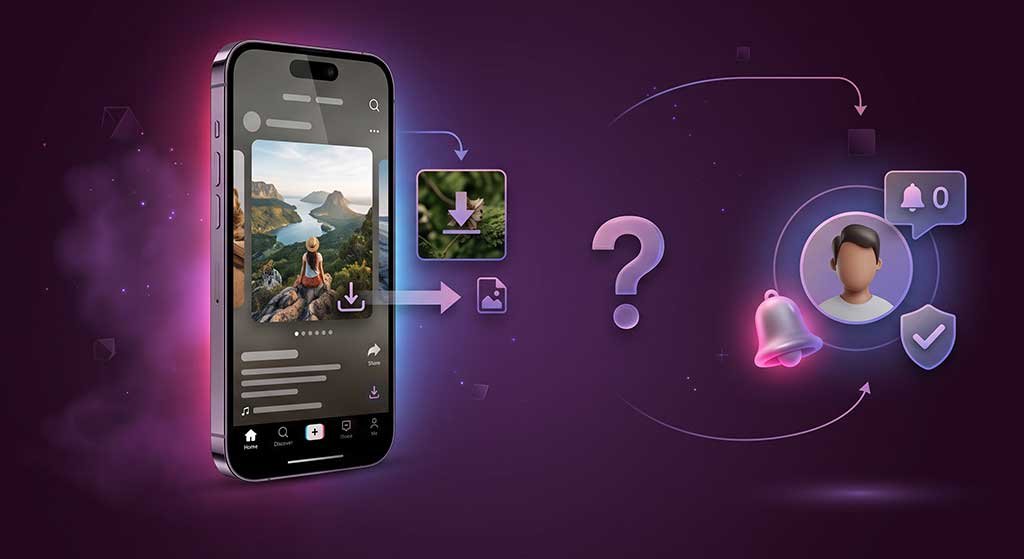
Short answer: no — TikTok does not send creators a notification when someone downloads one of their videos. But “no notification” and “therefore fine to do anything with it” are two different things, and this post covers both sides of that line.
What TikTok Does and Does Not Notify Creators About
TikTok sends notifications for a specific set of interactions. Understanding what is and is not on that list helps clarify what creators can actually see about their audience’s behavior.
What creators are notified about
- Likes — creators receive a notification when someone likes their video.
- Comments — notifications appear for new comments and replies on their content.
- Follows — creators are notified when someone follows their account.
- Mentions and tags — notifications for being tagged in another video or mentioned in a comment.
- Shares via TikTok’s share feature — when someone uses TikTok’s native Share button to send a video to another TikTok user or group, that counts as a share and can appear in the creator’s analytics, though not always as a direct individual notification.
- Duets and Stitches — when someone creates a Duet or Stitch using a creator’s video, the creator receives a notification (if they have enabled those features).
What creators are NOT notified about
- Video downloads — TikTok does not notify the creator when someone downloads their video, whether through TikTok’s in-app save option or any other means.
- Screen recordings — TikTok does not notify creators when a viewer takes a screen recording while watching their content. (Some other platforms do; TikTok, for standard video content, does not.)
- Profile views — TikTok has a profile view history feature, but it is a two-way mutual visibility tool — both users can see each other — and it is not a notification system directed at the profile owner in the same way. Viewing someone’s profile without interacting does not send them a notification.
- Video views without interaction — creators can see view counts in analytics, but they cannot see which specific accounts viewed a video unless there is an interaction.
The Watermark Is Not a Notification — It Is Attribution
TikTok adds a watermark to videos downloaded through its in-app save feature. The watermark displays the creator’s username and TikTok’s branding. This is not a notification mechanism — the creator does not receive an alert when a watermarked video is shared elsewhere. The watermark’s purpose is attribution: it identifies where the video came from and who made it, which is useful when the video circulates outside TikTok.
The watermark signals “this was made by @username on TikTok” regardless of whether the creator knows it is being shared. When you see a watermarked TikTok on another platform, the creator did not necessarily put it there — someone else downloaded and reposted it. For a full explanation of what the TikTok watermark represents and when it appears, see our guide on what the watermark means on TikTok.
“Not Notified” Is Not the Same as “Free to Repost”
This distinction matters and is worth stating plainly.
The absence of a notification does not mean downloading or reposting is automatically permitted. Two separate frameworks govern what you can do with someone else’s TikTok video:
Copyright law gives the creator ownership of their video from the moment it is recorded. Downloading it for personal, private viewing is one thing. Reposting it publicly, using it commercially, or redistributing it without permission is a separate matter that implicates copyright regardless of whether the creator was notified. TikTok’s own Terms of Service also prohibit re-uploading another creator’s content as your own. For a breakdown of the US legality analysis, see our guide on whether downloading TikTok videos is legal in the US.
Platform policy and community norms operate independently of technical notifications. Many creators explicitly ask that their content not be reposted without credit or permission. The fact that TikTok does not alert them does not eliminate the ethical dimension — nor does it protect you from a DMCA takedown filed after a creator discovers their content on another platform.
The practical question to ask is not “will the creator be notified?” but “do I have permission to do this?”
What Creators Can See After the Fact
Even without real-time notifications, creators have some retroactive visibility. TikTok’s analytics show total download counts for videos where downloads are enabled — creators can see that downloads occurred, though not who performed them. If a video is reposted elsewhere without permission, creators can and do discover this through Google Alerts, social media searches, or being tagged by followers who spotted the repost.
Copyright enforcement does not require the creator to have been notified at the time of download. A creator can file a DMCA takedown on a platform months after an unauthorized repost goes live.
Downloading for Personal Use vs. Reposting
These two uses sit in very different places both legally and in terms of community norms:
- Saving a video to watch offline — personal use, not redistributing the creator’s content, not claiming it as your own. The creator is not notified; this is also the scenario where the practical and legal risk is lowest.
- Reposting to another account or platform — distributing the creator’s content to a new audience. Even with attribution, this requires permission in most contexts and violates TikTok’s Terms of Service if done as a re-upload.
- Using in commercial content — requires explicit permission from the creator and separate clearance for any licensed music in the video.
ClipSaver downloads TikTok videos for personal saving — watermark-free, for offline use. The download itself does not notify the creator. What you do with the file afterward is a separate question, and the answer depends on use case, not on who was or was not notified. Visit clipsaver.pro to download any public TikTok video.
Frequently Asked Questions
Does TikTok notify a creator when you download their video?
No. TikTok does not send a notification to creators when someone downloads their video, whether through TikTok’s in-app save feature or any other method.
Can creators see how many times their video has been downloaded?
Yes — creators can see aggregate download counts in TikTok analytics for videos where downloads are enabled. They see the total number of downloads, not who downloaded.
Does TikTok notify creators of screen recordings?
No. TikTok does not send notifications to creators when a viewer screen records their content. This is different from some other platforms that do alert content owners to screen recording activity.
If the creator isn’t notified, can I repost their video?
No — notification and permission are separate. Reposting another creator’s TikTok without permission violates TikTok’s Terms of Service and can infringe the creator’s copyright, regardless of whether they were notified about the original download.
Can a creator tell if someone downloaded their video using a third-party tool?
No. Analytics show aggregate download counts but not the method used. A creator cannot distinguish between in-app downloads and third-party tool downloads.